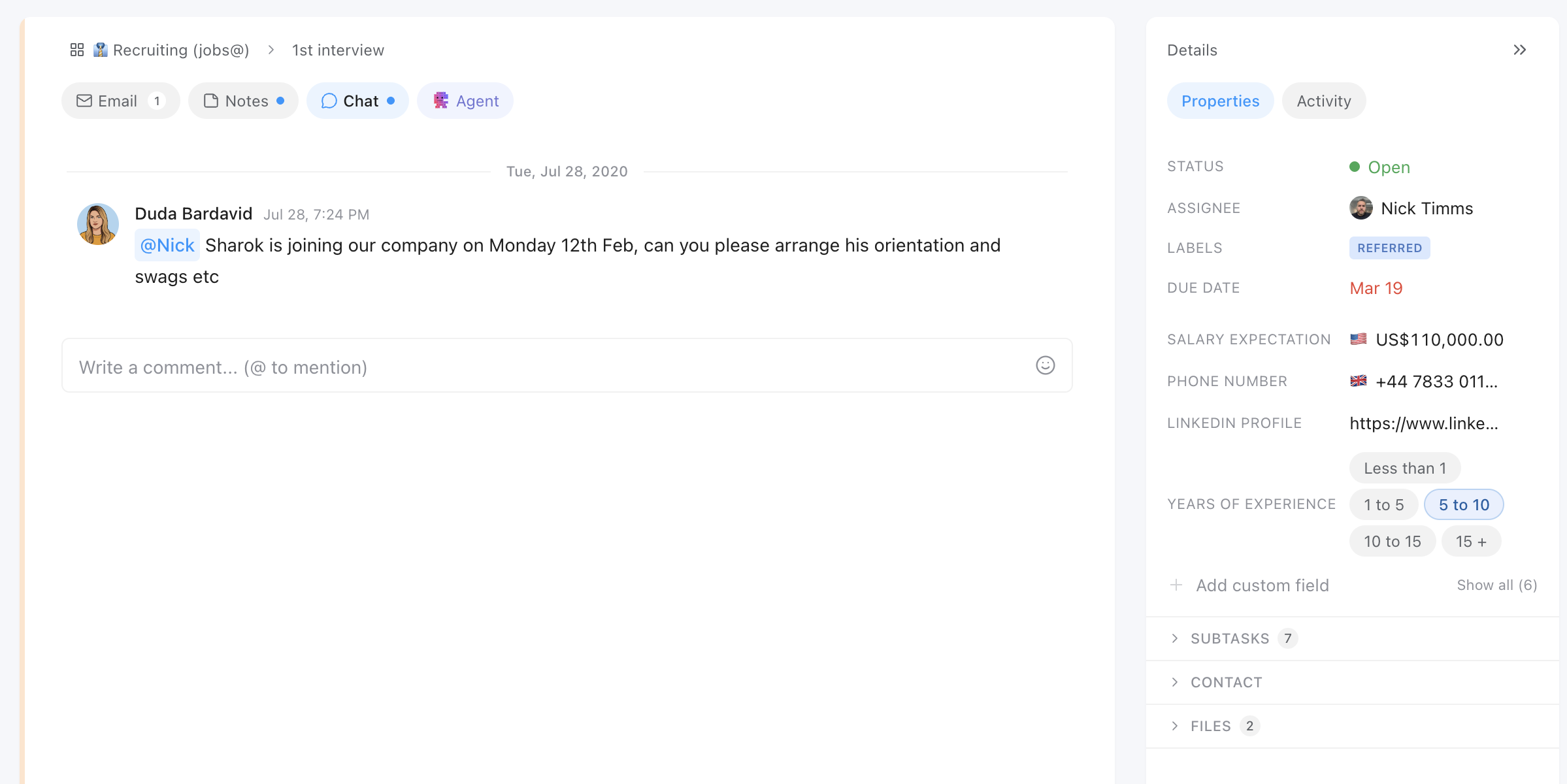
Every card in Drag has an internal chat, so your team can sort things out around an email or task without sending endless email back and forth. This article shows how to @mention a teammate in that chat.
Available on: Chrome extension · Web app · Desktop app
The internal chat lives inside each card, in the Drag Card View. You can only @mention teammates who share that board.
Note: The recipients of an email never see the messages your team exchanges in the internal chat.
Mention a teammate
- Open the card and expand the chat by clicking the chat icon at the top right of the card view.
- Type @ in the chat box. Drag opens a list of teammates for you to pick from.
The person you mention gets an email notification with a direct link to the conversation and its board.
Note: Everyone collaborating on the board can see the chat, but only the person you @mention receives an email notification. See How do notifications work?.
The desktop app works the same way as the web app, with silent auto-updates.