Whenever a teammate assigns you a card or @mentions you in a card's internal chat, Drag emails you, so you do not miss it. This works the same however you use Drag.
Available on: Chrome extension · Web app · Desktop app
Email notifications
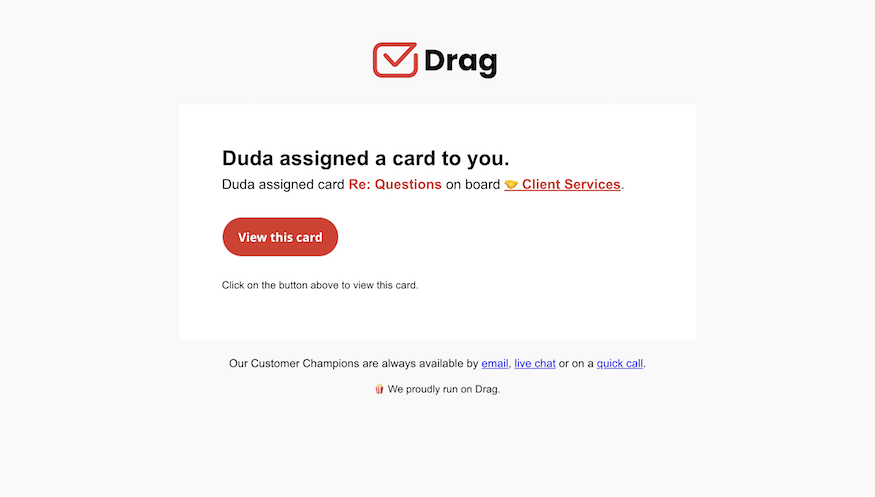
You get an email at the address you use for Drag:
- When someone assigns you a card:
- When someone @mentions you in a card's chat:
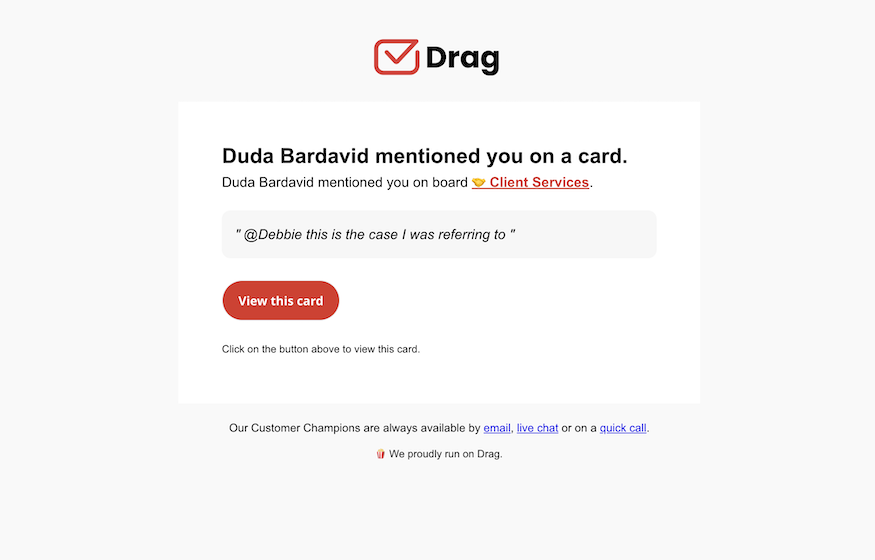
Both emails include a direct link to the board and the exact card, so one click takes you there.
In the activity log
You can also catch up inside Drag. In the board's activity log, use the Assigned to me and @mentions filters to see only what is for you.
To learn the actions themselves, see how to @mention someone on a card or assign an email.
The desktop app works the same way as the web app, with silent auto-updates.