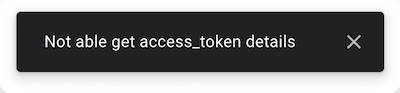
If you see a "Not able to get access token details" error when creating a WhatsApp board, it usually means the phone number you are connecting has not finished Meta's verification. This article shows how to check.
Available on: Chrome extension · Web app · Desktop app
Check that the phone number is approved
- Open your Facebook Business account.
- Click Settings, then WhatsApp Accounts.
- Select the WhatsApp account you are connecting to Drag, scroll down, and click WhatsApp Manager.
Go to Account tools, then Phone numbers, and check the number you are trying to use.
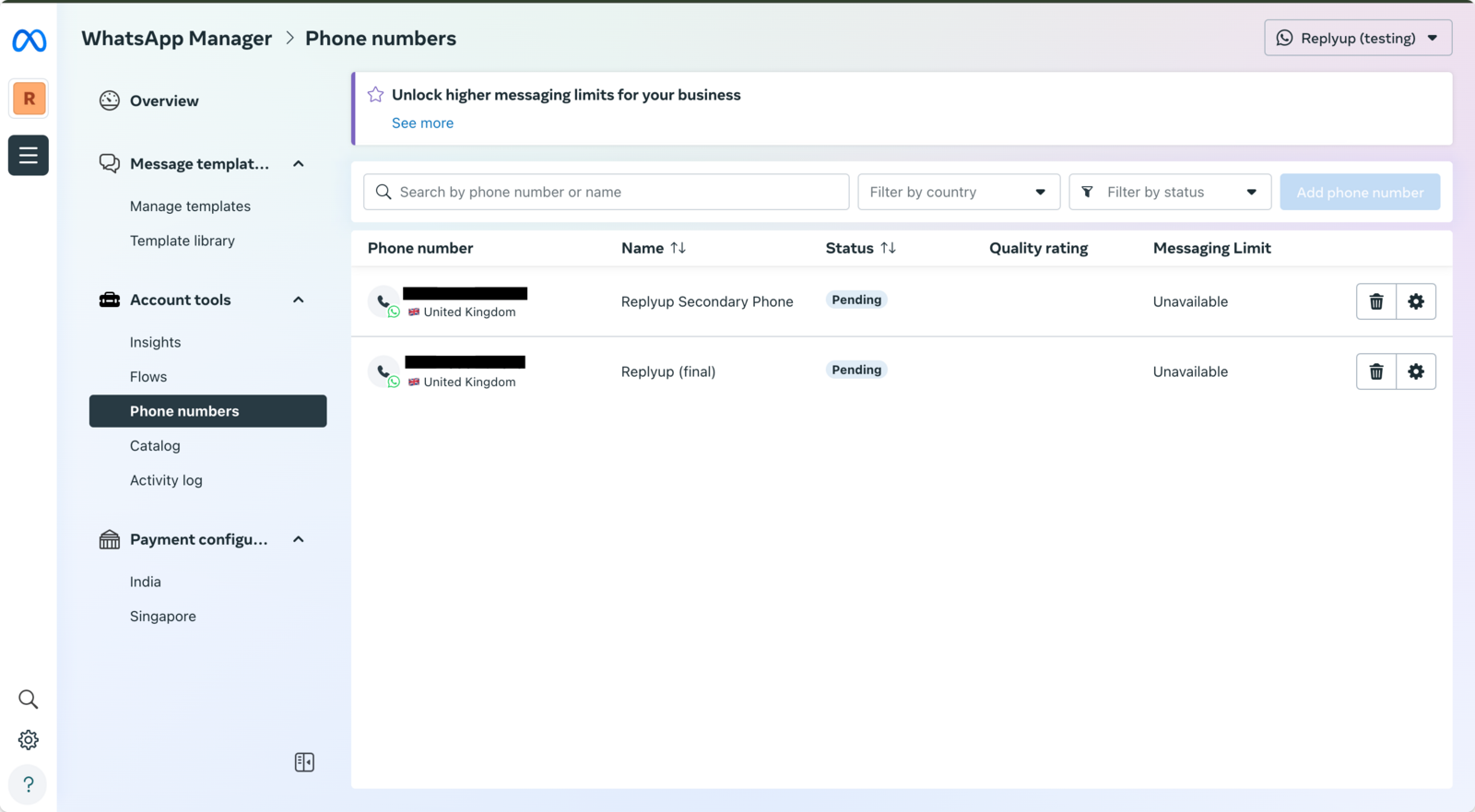
If the number is dimmed and marked (pending), you need to complete your Meta Business Manager verification and wait for the phone number display name to be approved. Once it is approved, create the WhatsApp board again.