Notes are a private notebook on each card, for context you want to keep with the work: a summary, a reminder, or account details. Notes stay internal to your team and are never sent to the customer.
Available on: Chrome extension · Web app · Desktop app
Note: Notes are available on the Starter, Plus and Pro plans.
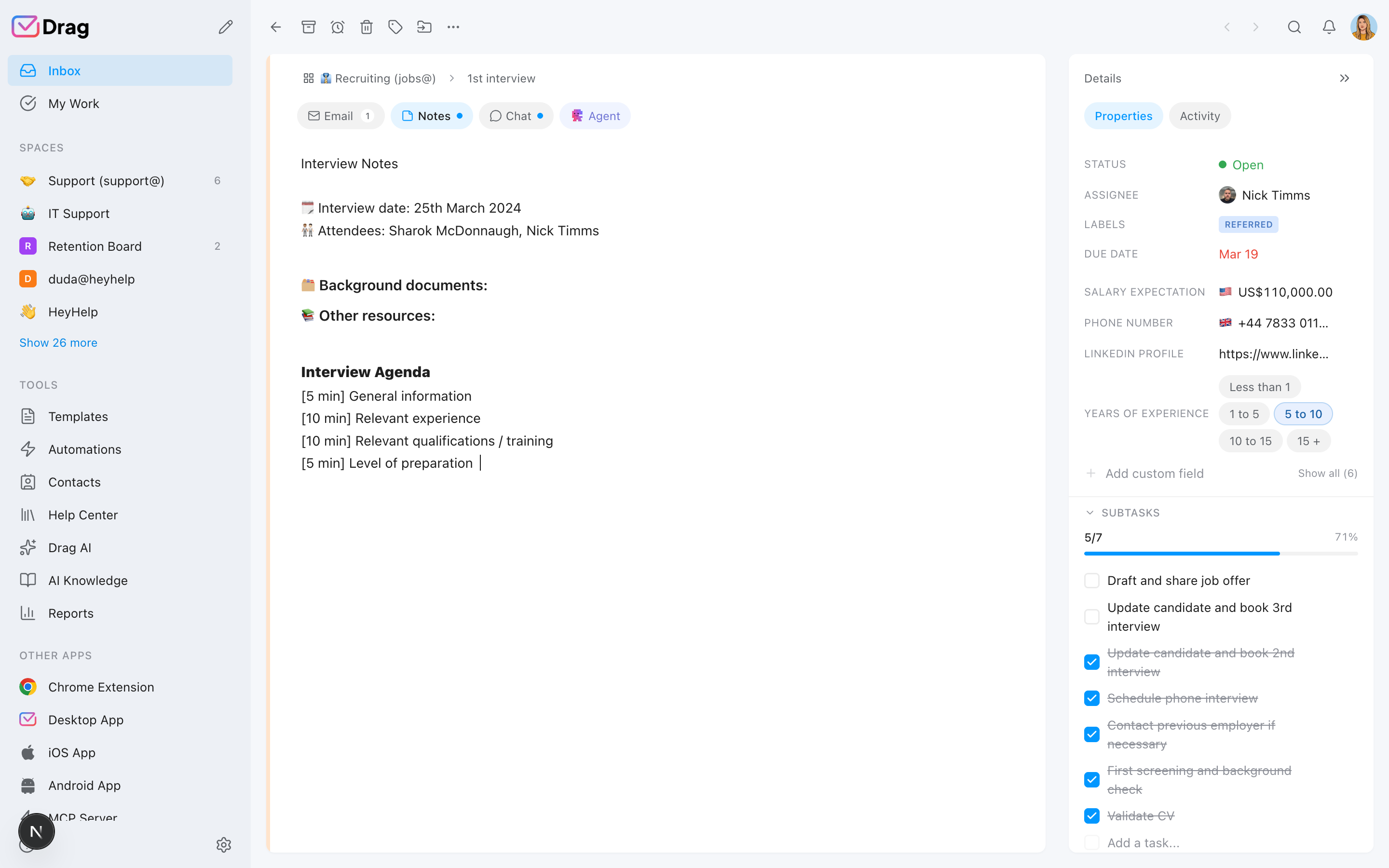
Add a note
- Open the card.
- Open the Notes tab (in the web app, the Notes section of the card).
- Type your note.
Notes auto-save when you leave, so there is nothing to click to save.
Notes vs internal chat
Notes and the card's internal chat both stay private to your team, but they serve different purposes:
- Use Notes for standing context that anyone on the card should see at a glance.
- Use the chat to discuss with a teammate and @mention them.
Who can see notes
Everyone on the board can see a card's notes. People outside the board, and the recipients of the email, cannot.
The desktop app works the same way as the web app, with silent auto-updates.