Drag connects to thousands of other apps through Zapier, with no code required. You can trigger actions in other tools when things happen in Drag, or create Drag cards when things happen elsewhere.
Available on: Chrome extension · Web app · Desktop app
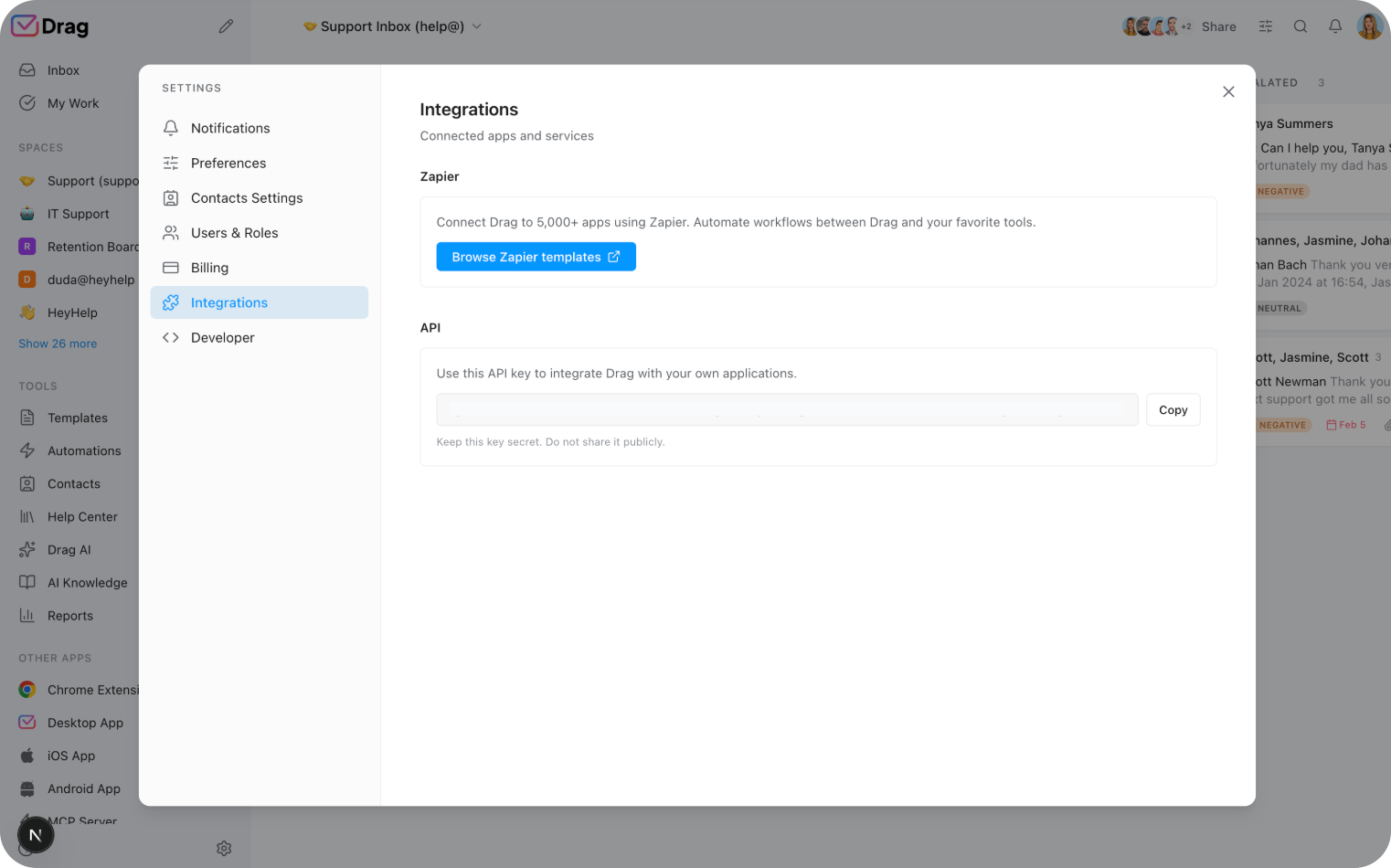
Where to find Zapier
The Zapier integration is available on Drag's paid plans (Starter and above). Managing integrations is limited to team admins.
- In the web app, open Settings, then the Integrations tab, and use Browse Zapier templates in the Zapier section.
- In the Chrome extension, open the Drag menu, then Integrations, then Zapier.
Drag also has a separate public API for building your own integrations in code. Its API key lives in Settings → Integrations → API and is available on the Pro plan. You do not need the API key to use the Zapier integration.
Triggers and actions
Drag supports these in Zapier.
Triggers:
- New task card
- New email card
- New reply to email
- New comment
Actions:
- Create card
- Add comment
Create a Zap
- Log in to Zapier.
- Click + Create Zap.
- Follow the steps to choose the triggers and actions for your Zap, and connect your Drag account when prompted.
You can also start from a ready-made template using Browse Zapier templates in the Integrations settings.
Examples
A few things you can automate with Drag and Zapier:
- Create new Google Sheets rows from emails on Drag boards.
- Create new deals in HubSpot from Drag comments.
- Add new Drag cards as tasks in ClickUp.
- Create Google Calendar events from replies on Drag boards.