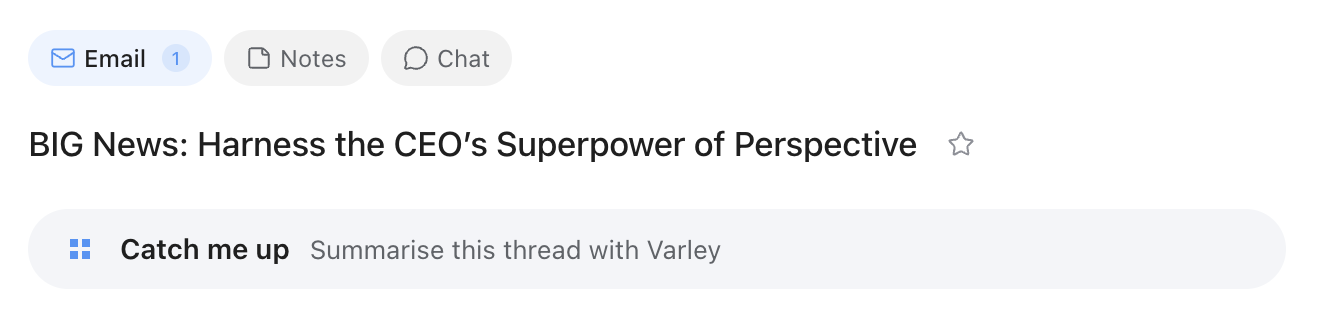
Catch me up turns a long email thread into a short summary: what happened, what's still open, and what the customer is waiting for. The summary is saved on the thread, so the rest of your board sees it too.
Available on: Chrome extension · Web app · Desktop app
Get a summary
- Open an email thread from a Drag board. In the Chrome extension, open it in Drag: the Catch me up row isn't shown in Gmail's own thread view. In the web app, it's pinned in the thread header.
- Click Catch me up. Varley shows its progress (Reading the thread, then Writing the summary) and the summary appears when it's done.
- Use Expand to read the full summary, or Copy to paste it somewhere else.
Summaries are shared with your board
Each thread has one summary, and everyone on the board sees it when they open the thread, without running anything or spending credits. The footer shows who made it and when, for example Summarised 2h ago by maria@company.com.
When new messages arrive
A summary doesn't update on its own. When new messages arrive, the row shows how many, for example 3 new messages since this summary, and a Refresh button. Click Refresh to summarize the thread again.
Ask a follow-up
If you ran the summary, click Ask about this → to open it in the Varley panel. From there you can ask questions about the thread or ask for a draft reply.
Cost
Each summary, including a refresh, uses 2.5 AI credits. Reading a summary that already exists is free. See How do AI credits work?.
If you see Varley could not catch you up., try again. If it keeps happening, see Troubleshooting Varley.